
 canaille
Features
Here are the different features that Canaille provides. You can enable any of those features with the configuration to fit any use cases you may meet.
Users can interact with Canaille through its web interface and administrators can also use its command line interface. Canaille can handle data stored in different database backends.
User and group management
Canaille web interface can be used either in production environments or locally for development purposes.
Profile management
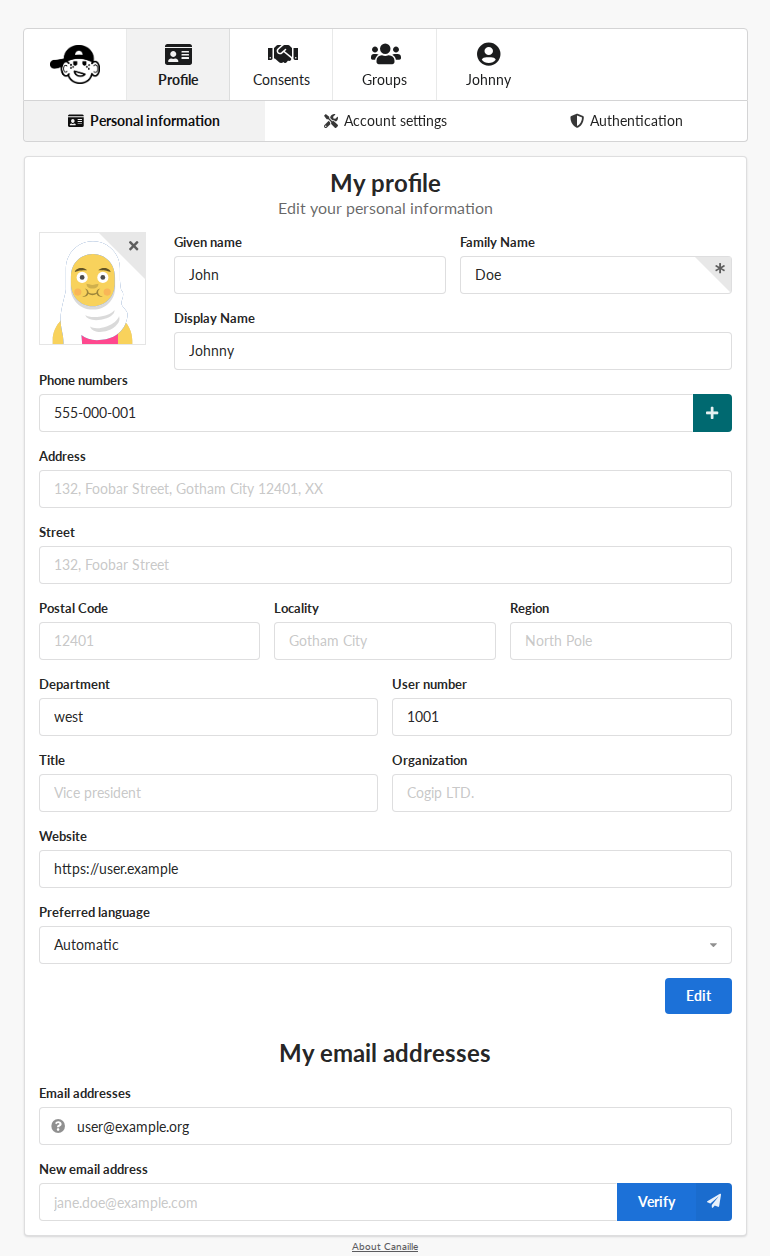
The user profile edition page.
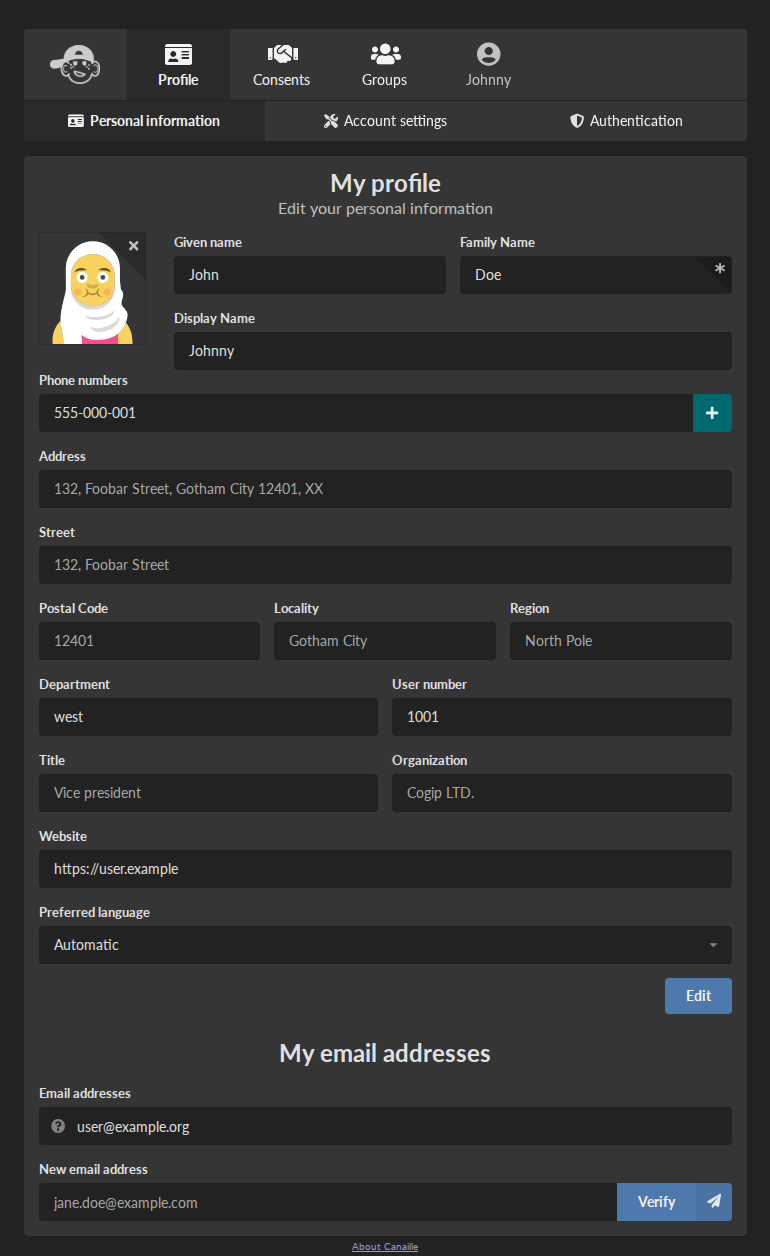
The user profile edition page.
Canaille provides an interface to manage user profiles.
The exact list of displayed fields, and whether they are writable or read-only depends on the user Access Control List settings (ACL).
Depending on their ACL permissions, users can either be allowed to edit their own profile, edit any user profile, or do nothing at all.
Email confirmation
If the email confirmation feature is enabled, any modification or addition of a profile email will send a confirmation mail to the new address. The mail will contain a link that users will need to click on to confirm their email address.
Users with user management permission can set user emails without confirmation though.
Group management
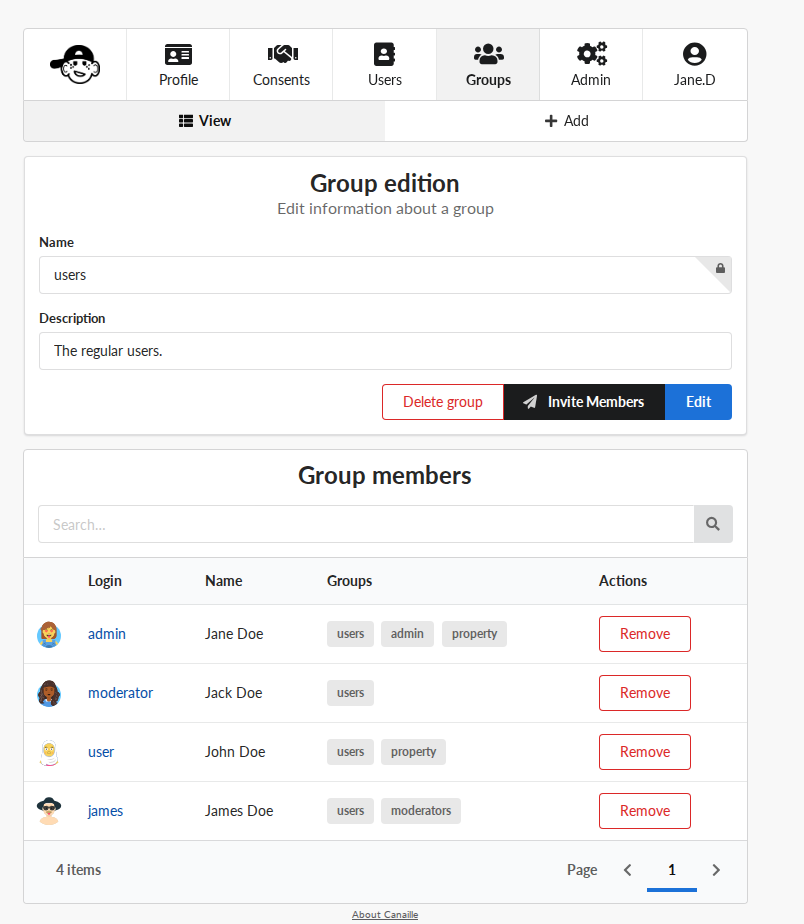
Group edition
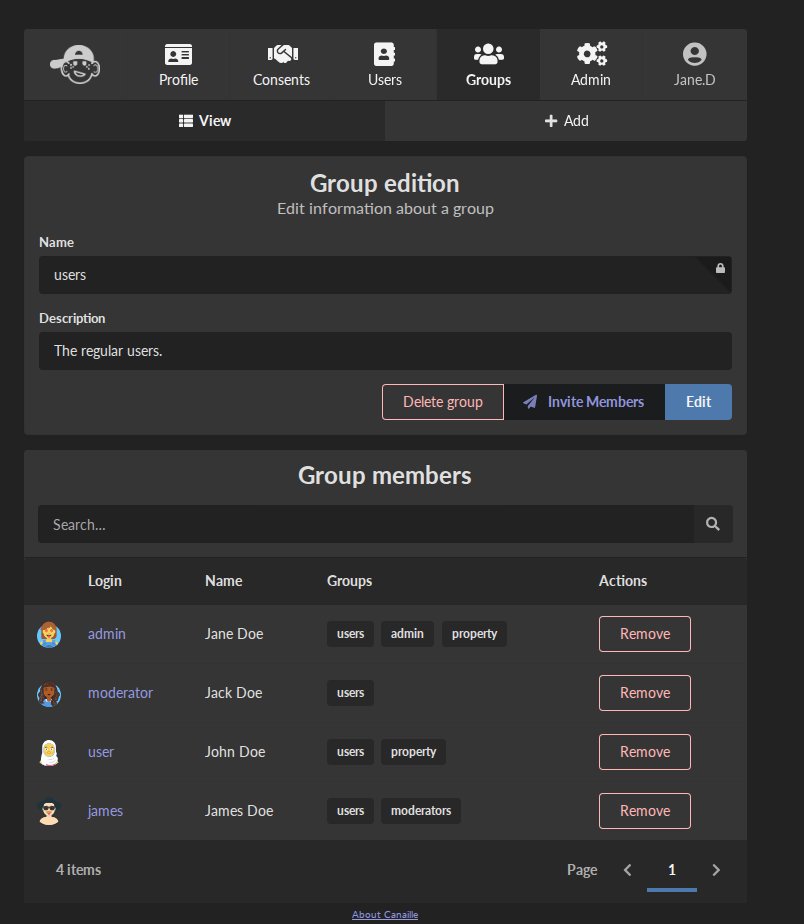
Group edition
In a similar fashion than profile management Canaille provides an interface to manage user groups.
The group management is quite simple at the moment and consists in a group name and description, and the list of its members.
Group membership can be use as ACL Filter to define user permissions.
Group management can be enable with a dedicated user permission.
Important
Due to limitations in the LDAP backend, groups must have at least one member. Thus it is not possible to remove the last user of a group without removing the group.
User authentication
Unless their account is locked, users can authenticate with a login and a password.
Important
For security reasons, it won’t be told to users if they try to sign in with an unexisting logging, unless explicitly set in the configuration.
Multiple sessions
Several user sessions can be opened simultaneously. They can be switched in one click, disconnected all at once or independently.
User registration
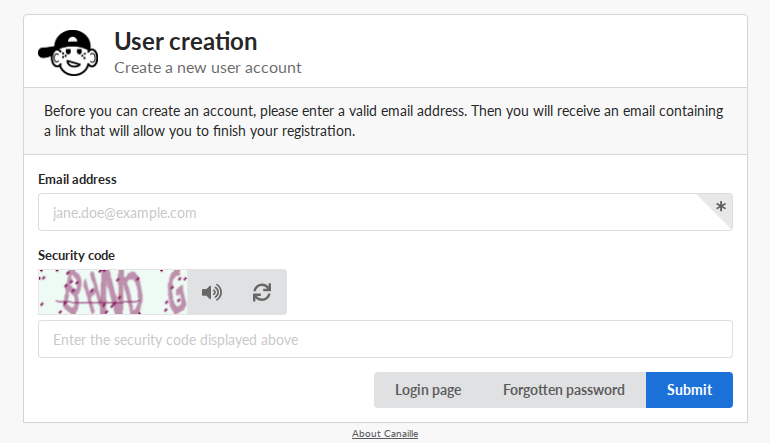
The registration page.
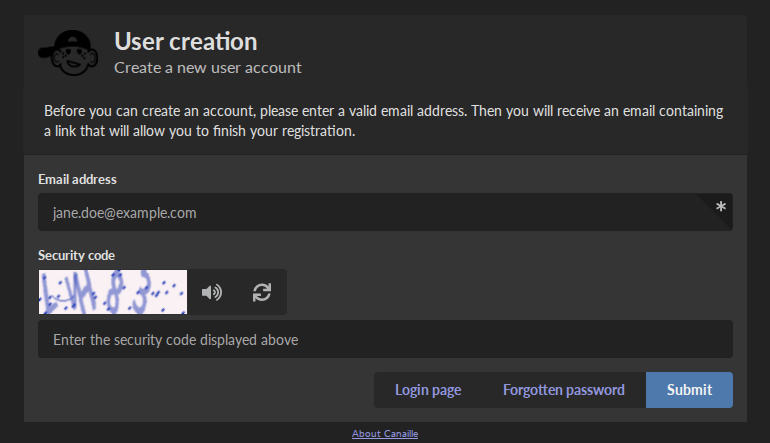
The registration page.
Users can create accounts on Canaille if the registration feature is enabled. They will be able to fill a registration form with the fields detailed in the default ACL settings.
If email confirmation is also enabled, users will be sent a confirmation link to their email address, on which they will need to click in order to finalize their registration.
User invitation
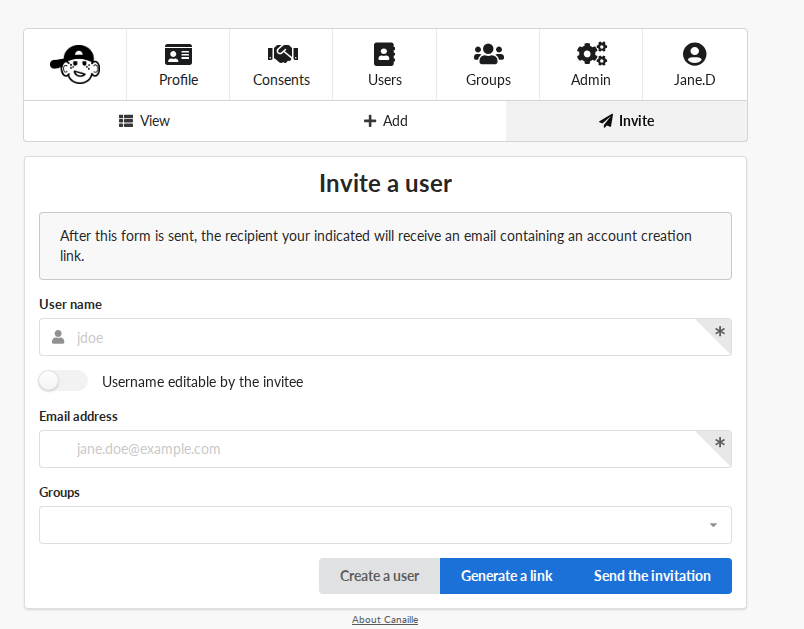
The invitation form page.
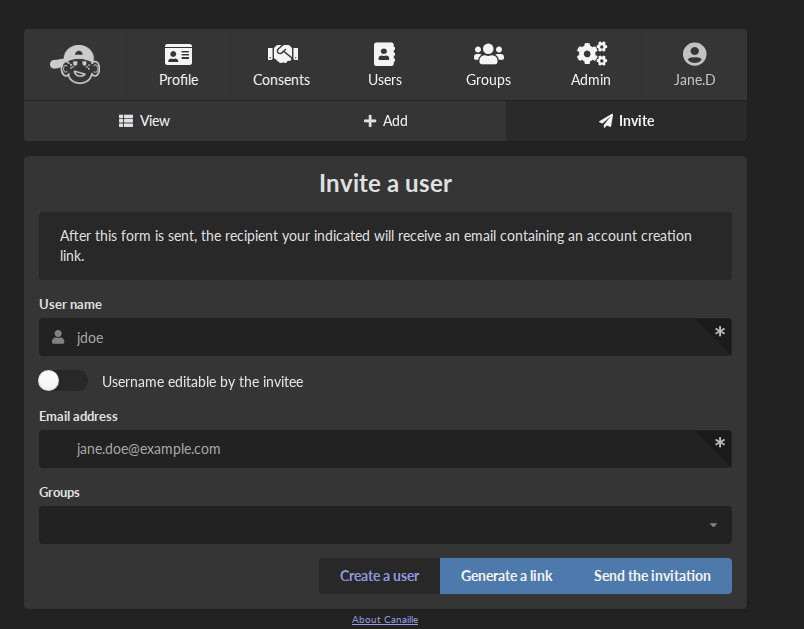
The invitation form page.
If a mail server is configured, users with user management permission can create an invitation link for one user.
The link goes to a registration form, even if regular user registration is disabled.
It can be automatically sent by email to the new user.
Account locking
If Canaille is plugged to a backend that supports it, user accounts can be locked by users with user management permission.
The lock date can be set instantly or at a given date in the future.
At the moment a user account is locked:
their open sessions will be closed;
they won’t be able to sign in again;
no new OIDC token will be issued;
User accounts must be manually unlocked by an administrator for the users to regain access to those actions.
Account deletion
Users with the account deletion permission are allowed to delete their own account.
Users that also have the user management permission are also allowed to delete other users accounts.
Password recovery
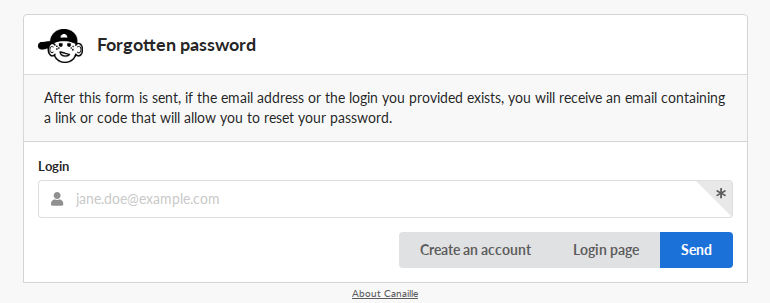
The password reset page.
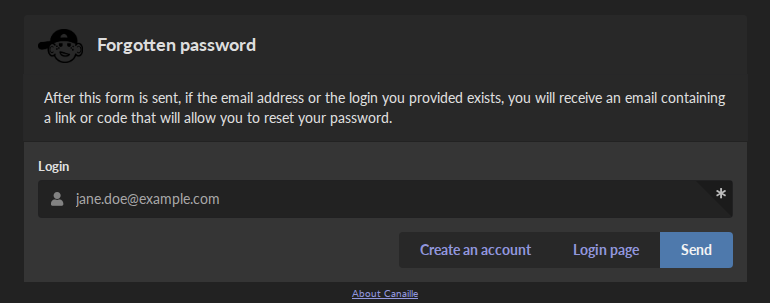
The password reset page.
If a mail server is configured and the password recovery feature is enabled, then users can ask for a password reset email if they cannot remember their password.
The email will be sent to the email addresses filled in their profile, and will contain a link that will allow them to choose a new password. .
Password reset
If a mail server is configured, user management permission can send password reset mails to users.
The mails contains a link that allow users to choose a new password without having to retrieve the old one.
Password initialization
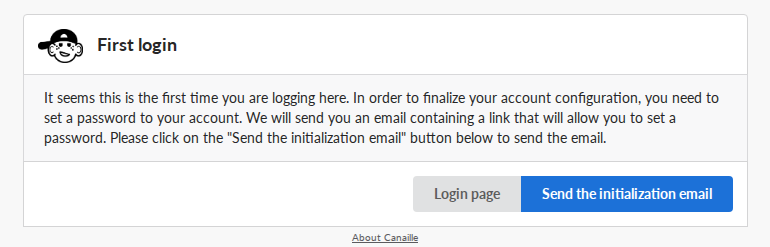
The first login page.
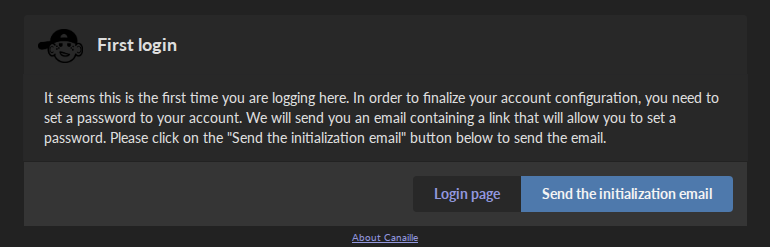
The first login page.
User passwords are optional.
If a mail server is configured, when users with no password attempt to sign in, they are invited to click a button that will send them a password initialization mail.
The mail contains a link that leads to a form that allows users to choose a password.
Password compromission check
If password compromission check feature is enabled, Canaille will check for password compromise on HIBP (https://haveibeenpwned.com/) every time a new password is register. You will need to set an admin email.
Multi-factor authentication
If the authentication factors configuration includes otp, then users will need to authenticate themselves using a one-time passcode via an authenticator app.
Two OTP methods are supported: TOTP for time-based one-time passcode, and HOTP for HMAC-based one-time passcode.
In case of lost token, TOTP/HOTP authentication can be reset by users with user management permission.
If a mail server is configured and the email authentication factor is enabled, then users will need to authenticate themselves via a one-time passcode sent to their primary email address.
If a smpp server is configured and the sms authentication factor is enabled, then users will need to authenticate themselves via a one-time passcode sent to their primary phone number.
If the FIDO2 feature includes fido2, then users can authenticate using security keys (USB keys, biometric devices, etc.) via the WebAuthn standard.
Users can register multiple security keys from their profile settings, and the number of keys per user can be limited with FIDO_MAX_CREDENTIALS.
Intruder lockout
If the intruder lockout feature is enabled, then users will have to wait for an increasingly long time between each failed login attempt.
CAPTCHA protection
If the CAPTCHA feature is enabled, a security code challenge helps protect against automated attacks.
The CAPTCHA appears:
On login forms after a configurable number of failed attempts
On all registration forms when enabled
Until a successful login occurs
Both image and audio versions are provided for accessibility.
Web interface
Internationalization
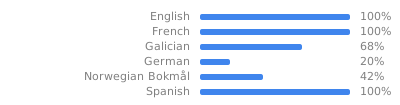
Canaile will display in your preferred language if available, or your browser language if available (and if it is not you can help us with the translation).
If you prefer, you can also force a language for every users.
Lightweight
The web interface is lightweight, so everything should load quickly. There is a few Javascript here and there to smooth the experience, but no Javascript at all is needed to use Canaille.
Customizable
The default theme should be good enough for most usages.
It has a dark theme, display well on mobile, and let you choose a logo and a favicon.
If you need more you can also use a custom theme.
OpenID Connect

Canaille implements a subset of the OAuth2/OpenID Connect specifications. Its implementation have been certified by the OpenID Foundation. This allows to provide SSO and SLO to applications plugged to Canaille.
Consent management
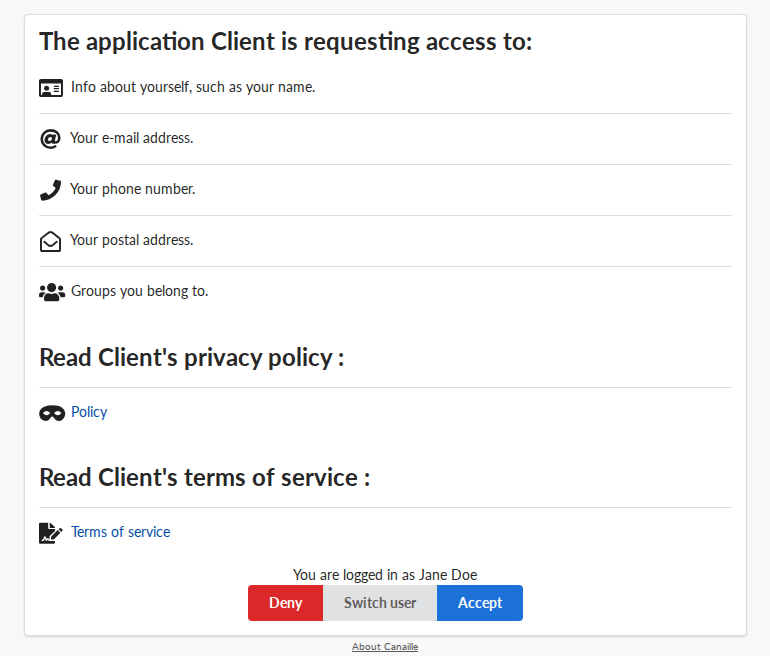
The consent request dialog.
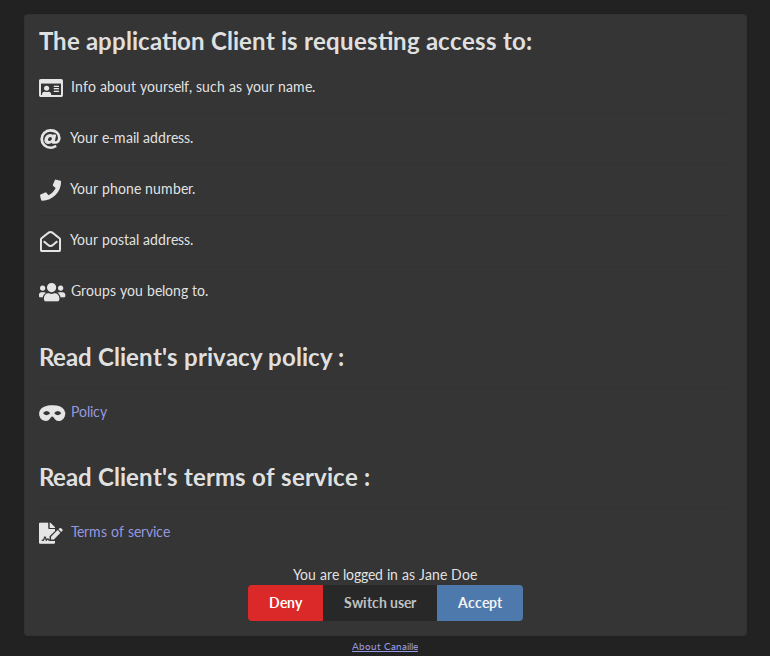
The consent request dialog.
Users can give their consent to application requesting access to their personal information, and then revoke those consent at their will.
Application management
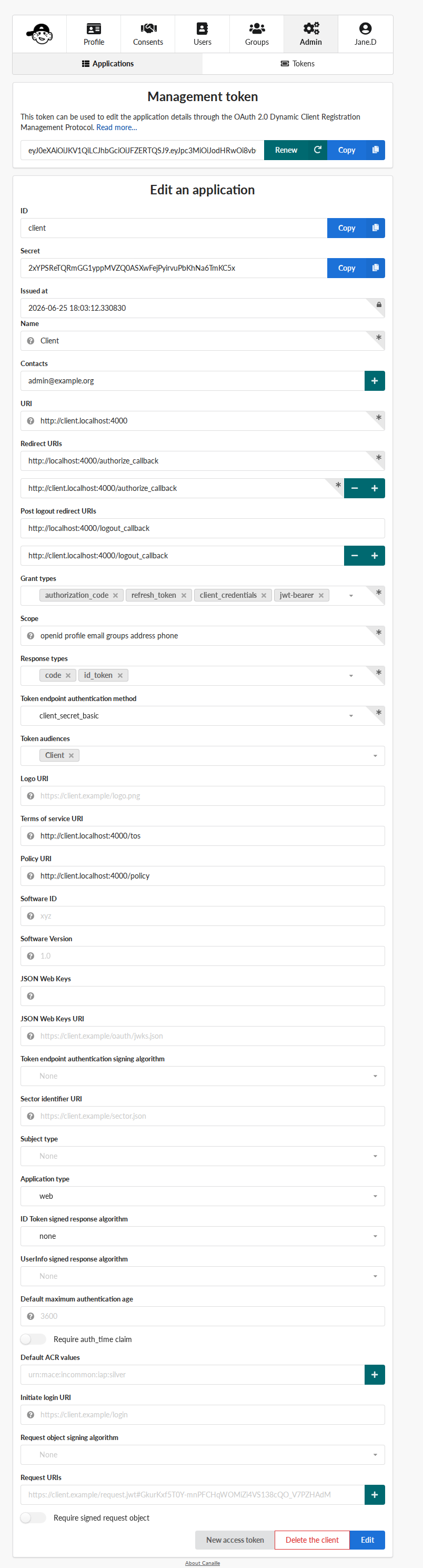
The client edition page.
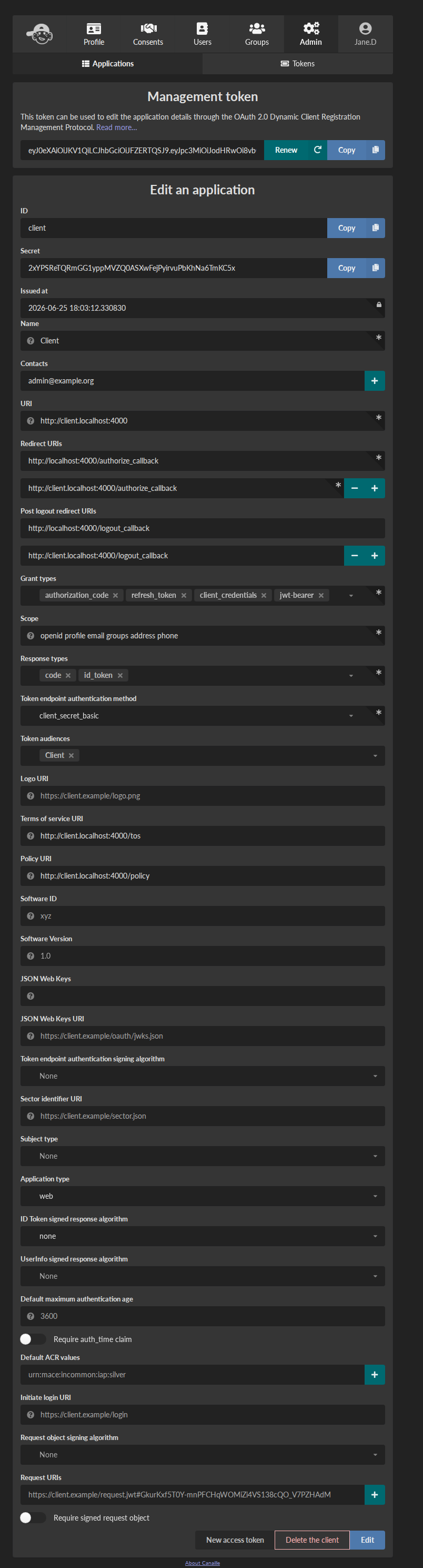
The client edition page.
Users with the right permission can manage OIDC clients through the web interface.
In some cases, it might be useful to avoid the consent page for some trusted applications, so clients can be pre-consented.
Discovery
Canaille implements the Discovery specifications so most of the applications plugged to Canaille can auto-configure themselves.
Dynamic Client Registration
Canaille implements the Dynamic Client Registration specifications, so when the feature is enabled, clients can register themselves on Canaille without an administrator intervention.
Application provisioning
Canaille implements the SCIM specifications and can automatically broadcast modifications on users and groups to applications plugged to Canaille.
System administration
Command Line Interface
Canaille comes with a CLI to help administrators in hosting and management.
There are tools to generate and check a configuration file or to install missing parts.
You can use the CLI to create, read, update and delete models such as users, groups or OIDC clients.
There are also tools to fill your database with random objects, for tests purpose for instance.
Databases
Canaille can handle data from the most common SQL databases such as PostgreSQL or SQLite, as well as OpenLDAP. It also comes with a no-dependency in-memory database that can be used in unit tests suites.
Logging
Canaille writes logs for every important event happening, to help administrators understand what is going on and debug funky situations.
The following security events are logged with the log level “security” for easy retrieval :
Authentication attempt
Password update
Email update
Forgotten password mail sent to user
One-time passcode mail sent to user
Multi-factor authentication reset
Token emission
Token refresh
Token revokation
New consent given for client application
Consent revokation
Development and testing tool
Unit-testing tool
Thanks to its lightweight in-memory database and its curated dependency list, Canaille can be used in the unit test suite of your application, so you can check how it behaves against a real world OpenID Connect server. If you work with python you might want to check pytest-iam.
Development server
It can also being launched in your development environment, if you find that launching a Keycloak in a Docker container is too heavy for your little web application.
Continuous Integration tools
It also fits well in continuous integration scenarios. Thanks to its CLI, you can prepare data in Canaille, let your application interact with it, and then check the side effects.